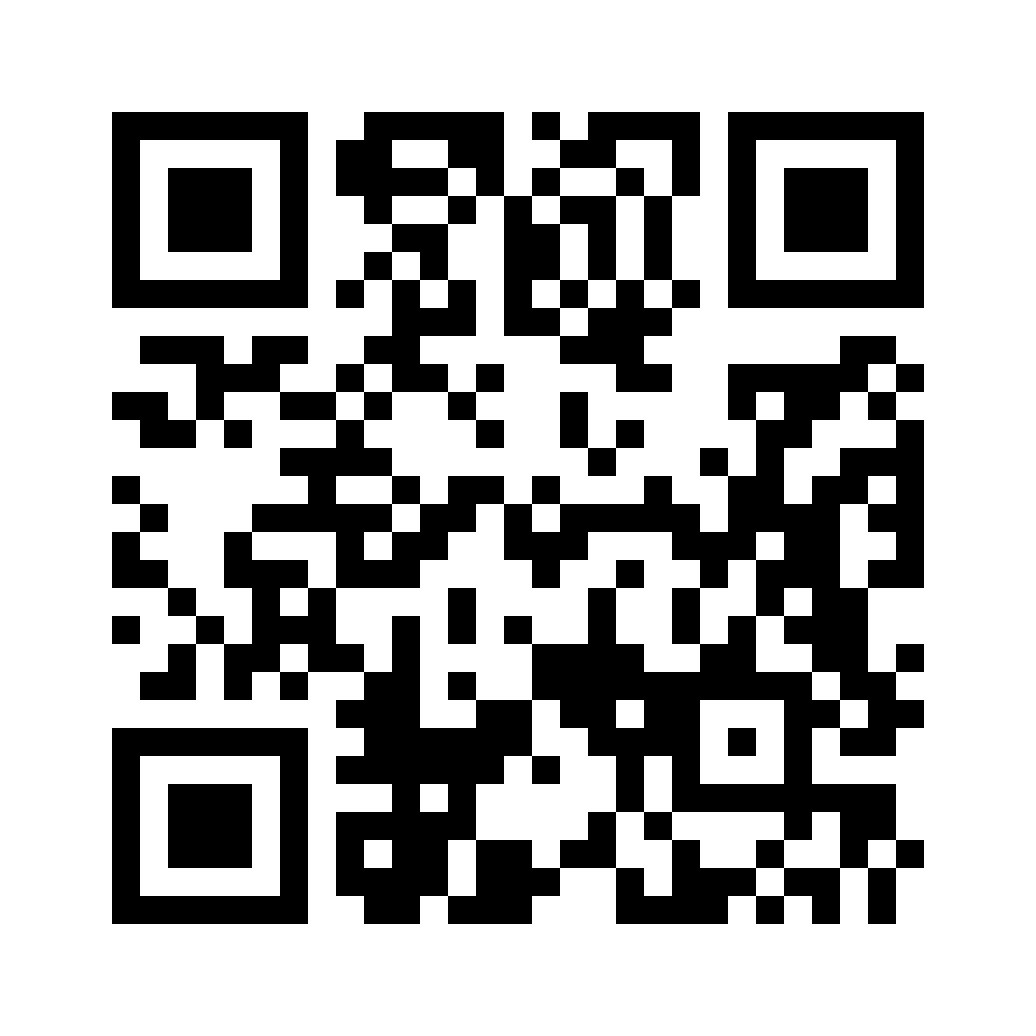
Scanning takes you here to download the app.
Printing on cards & flyers
- Use the SVG for business cards and print — it's a vector, so it stays razor-sharp at any size.
- Keep the white border (quiet zone) around the code and don't shrink it below about 2 cm / 0.8 in so cameras lock on quickly.
- Print it in solid black on a light background for the most reliable scanning.
- Give it a quick test scan after printing before you order a big batch.